How it works
A walk through BrokrSuite
What the app actually looks like, screen by screen — every image below is a real screenshot, not a rendering.
How it works
Up and running in four steps
No migration project, no consultants. Set up your business and start working the same day.
- 1
Create Your Account
Sign up and set up your business.
- 2
Add Your Properties & Leads
Import or add your property and customer information.
- 3
Manage Your Business
Track leads, clients, properties and follow-ups.
- 4
Close More Deals
Use organized data and follow-ups to improve your sales process.
The app, screen by screen
From first launch to your working day
The order below is the order you meet these screens in.
 Step 01
Opening the app
The app opens on the BrokrSuite mark while it loads — the same lockup you see across the product.
 Step 02
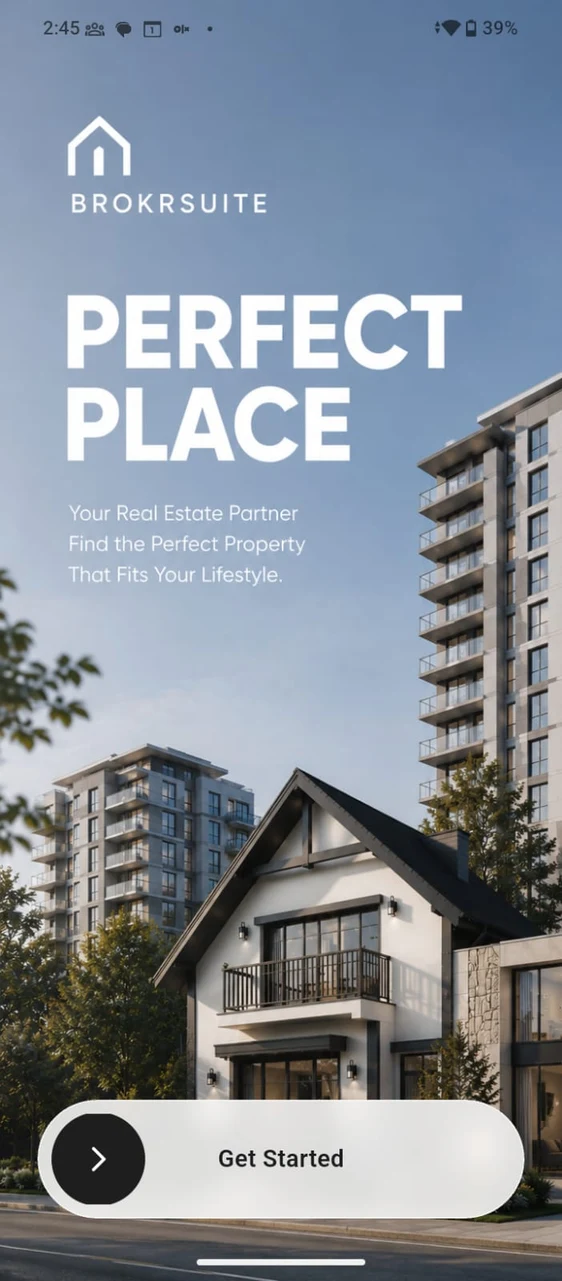
Welcome
First run introduces what the app is for and hands you a single Get Started button, rather than an account wall.
 Step 03
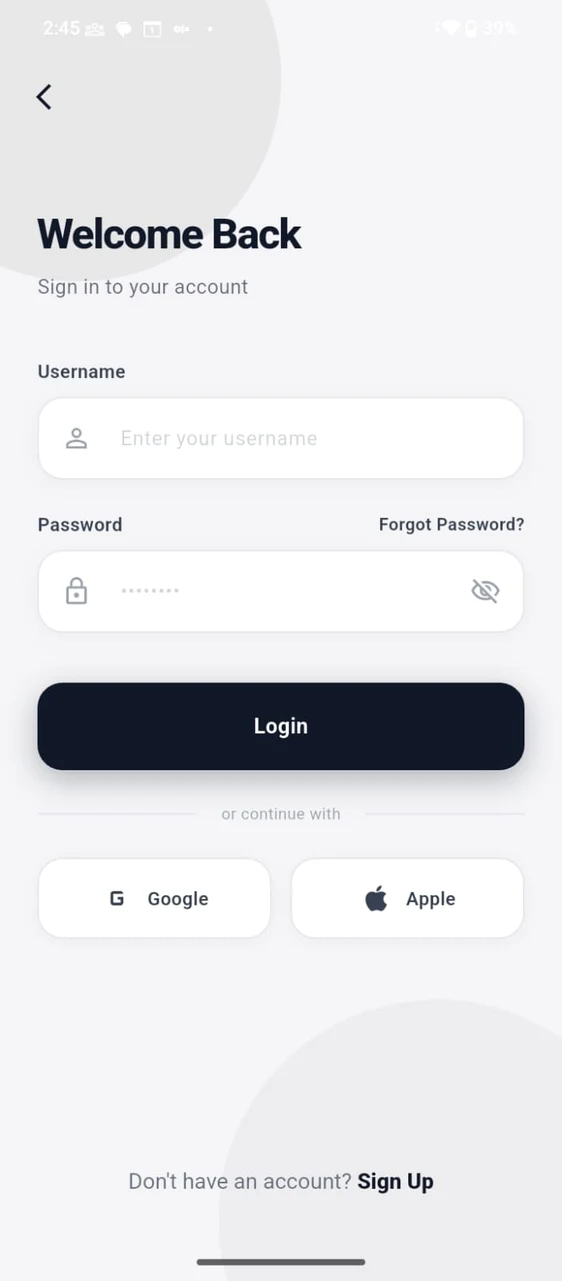
Signing in
Sign in with a username and password, or continue with a Google or Apple account. Password recovery is on the same screen.
 Step 04
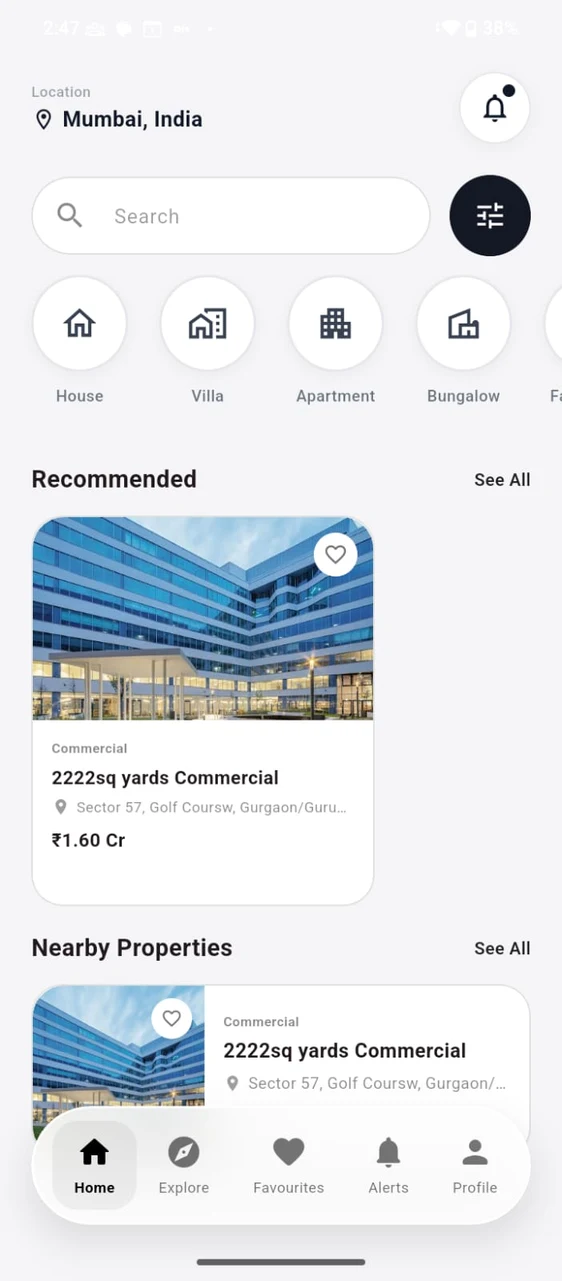
Browsing properties
Set your location, then search or narrow the list by category — House, Villa, Apartment, Bungalow and more. Listings are grouped into Recommended and Nearby Properties, and anything can be saved with the heart.
 Step 05
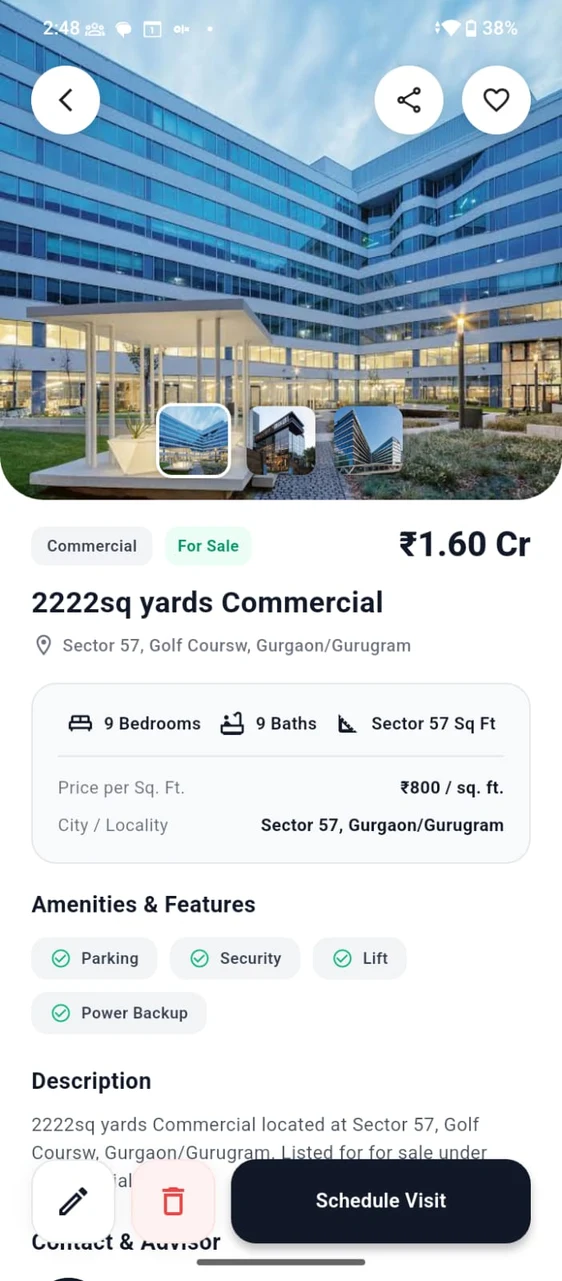
Viewing a property
A listing carries its photo gallery, asking price, configuration, price per square foot, locality, amenities and full description. From here you can schedule a visit, share the listing, or open a WhatsApp inquiry with the assigned agent.
 Step 06
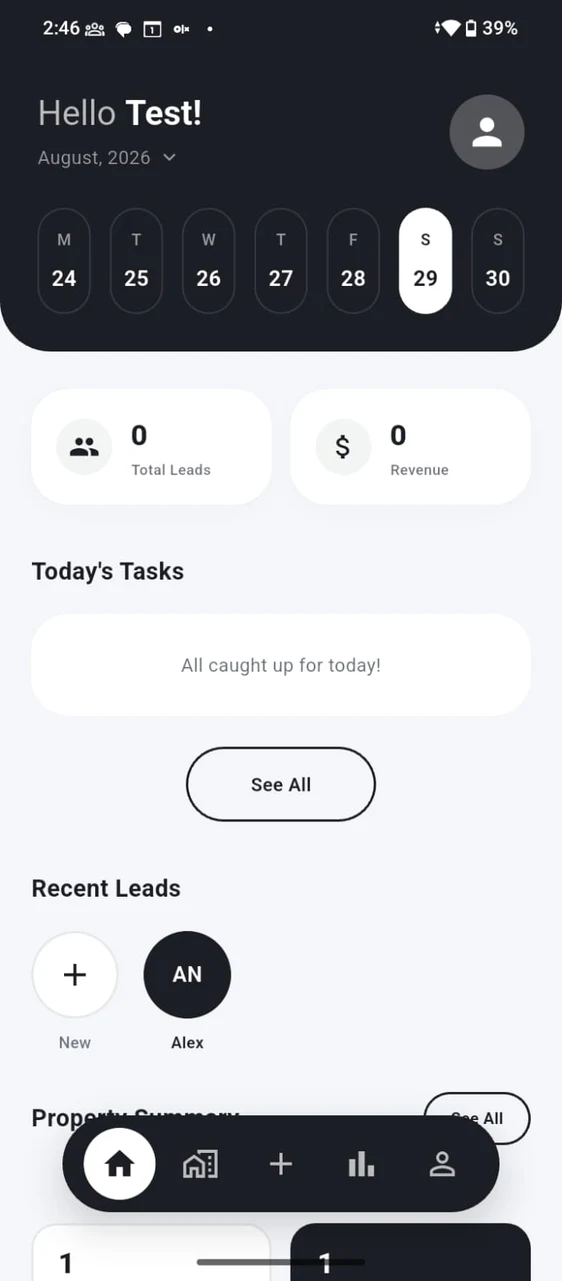
Working your day
The agent dashboard opens on the week ahead, with total leads and revenue, the tasks due today, your most recent leads and a summary of your properties.
Ready to simplify your real estate business?
Bring your properties, leads, clients and team together with BrokrSuite.